
PalmGuardian is a native Mac menu bar utility that briefly pauses pointer input after each keystroke, preventing accidental trackpad clicks and cursor jumps while typing.
Official media resources
Everything needed to cover PalmGuardian.
Verified product facts, ready-to-use descriptions, original screenshots, a short demo, brand assets, and review access. No archaeological expedition through a shared drive required.

PalmGuardian 1.0.0
A $1.99 Mac utility for accidental trackpad input while typing.
- macOS 13+
- Apple silicon and Intel
- Signed and notarized
Quick facts
The useful details, verified.
- Product
- PalmGuardian 1.0.0
- Publisher
- ThreeSided Studios
- Price
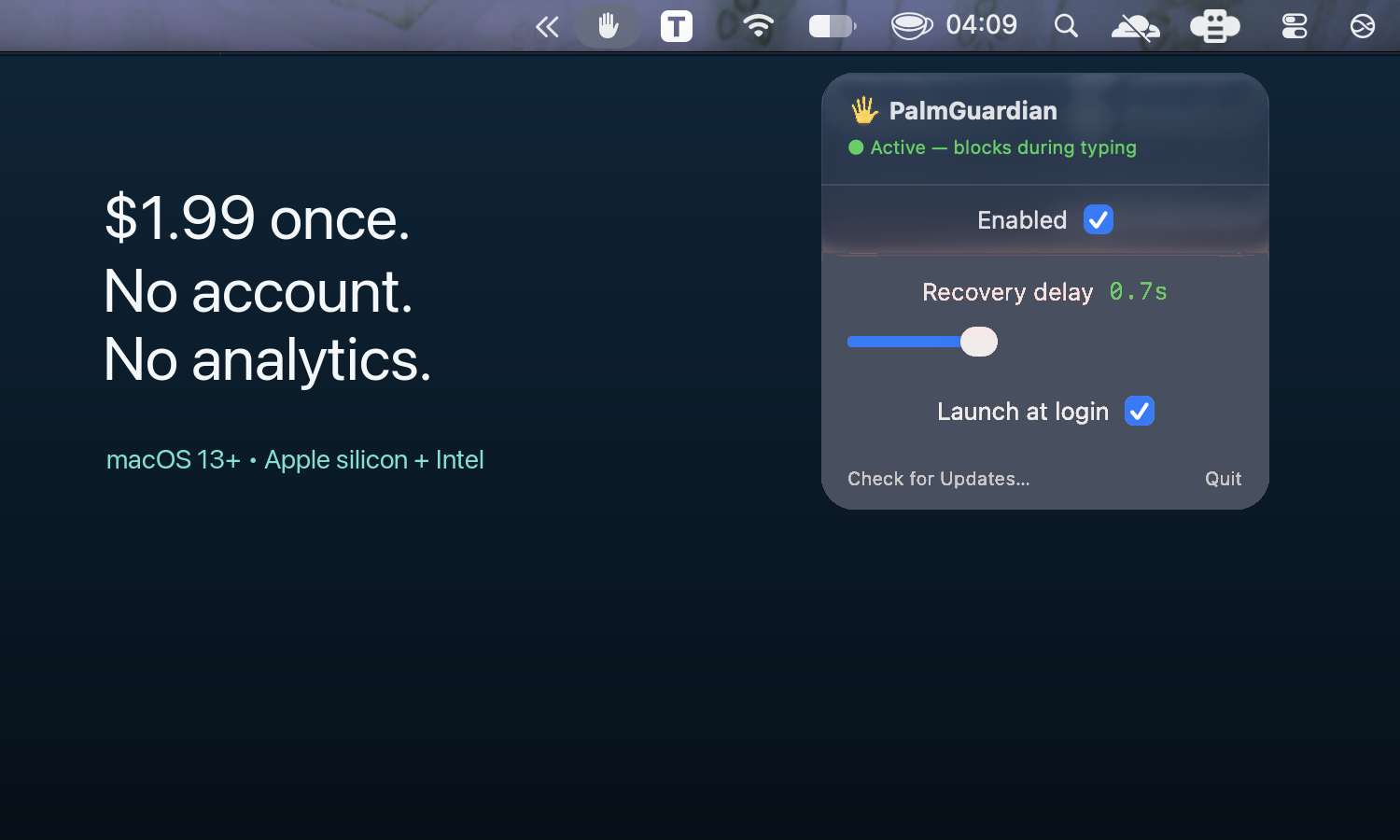
- USD $1.99 once
- Released
- August 2026
- System
- macOS 13 Ventura or later
- Processors
- Apple silicon and Intel
- Distribution
- Signed and notarized direct download
- Permissions
- Accessibility and Input Monitoring
- Recovery window
- Adjustable from 0.1 to 2.0 seconds
- Business model
- No subscription, account, or advertising
- App data
- No app analytics, telemetry, or typing history
- Support
- hi@palmguardian.com
Important limitation
PalmGuardian pauses pointer movement, clicks, and scrolling generally during its recovery window. That includes an external mouse. It does not identify only built-in trackpad contact.
Product descriptions
Copy that stays factual.
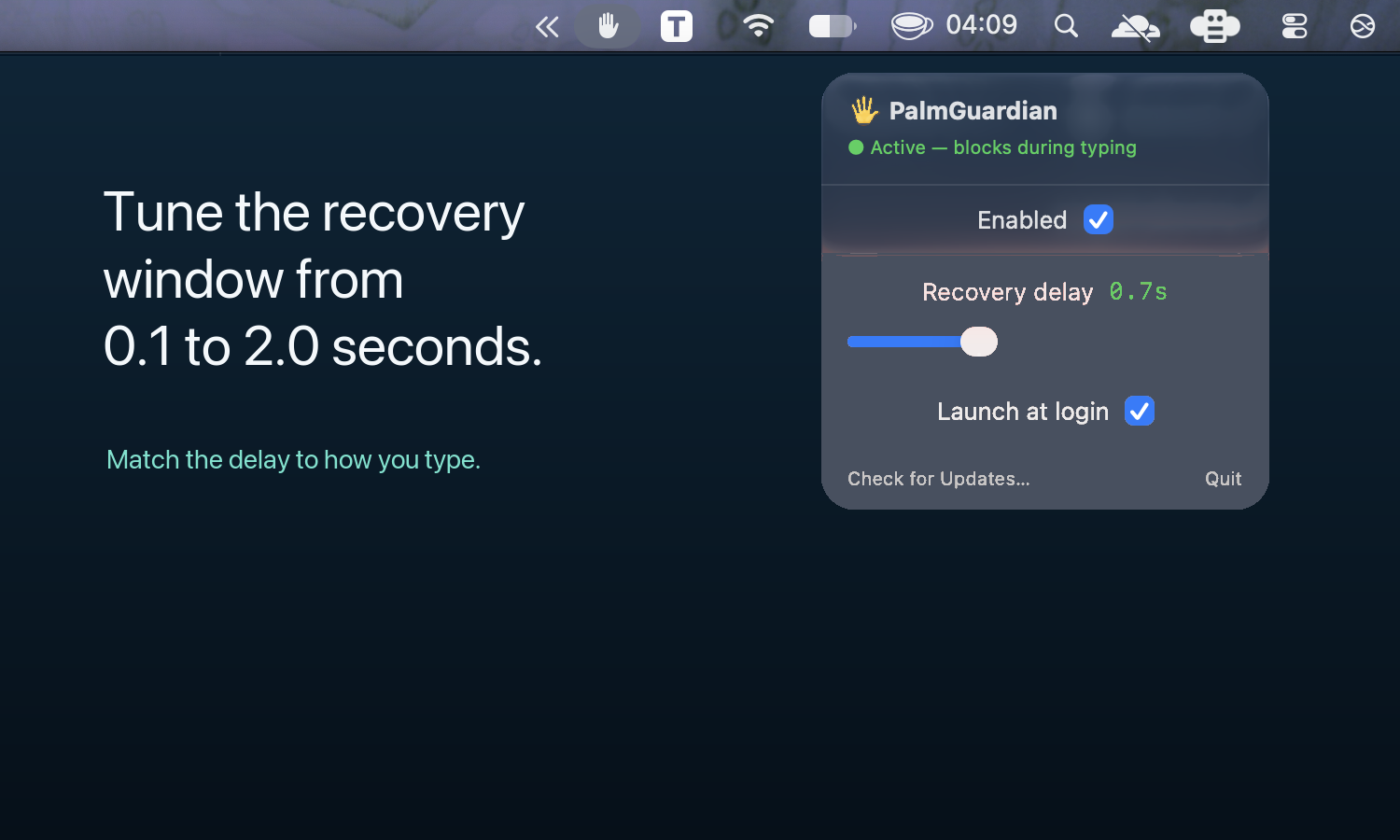
PalmGuardian adds an adjustable 0.1 to 2.0 second guard window after keyboard activity. During that window it pauses pointer movement, clicks, and scrolling, then restores normal input automatically. It costs $1.99 once and runs locally without an account or app telemetry.
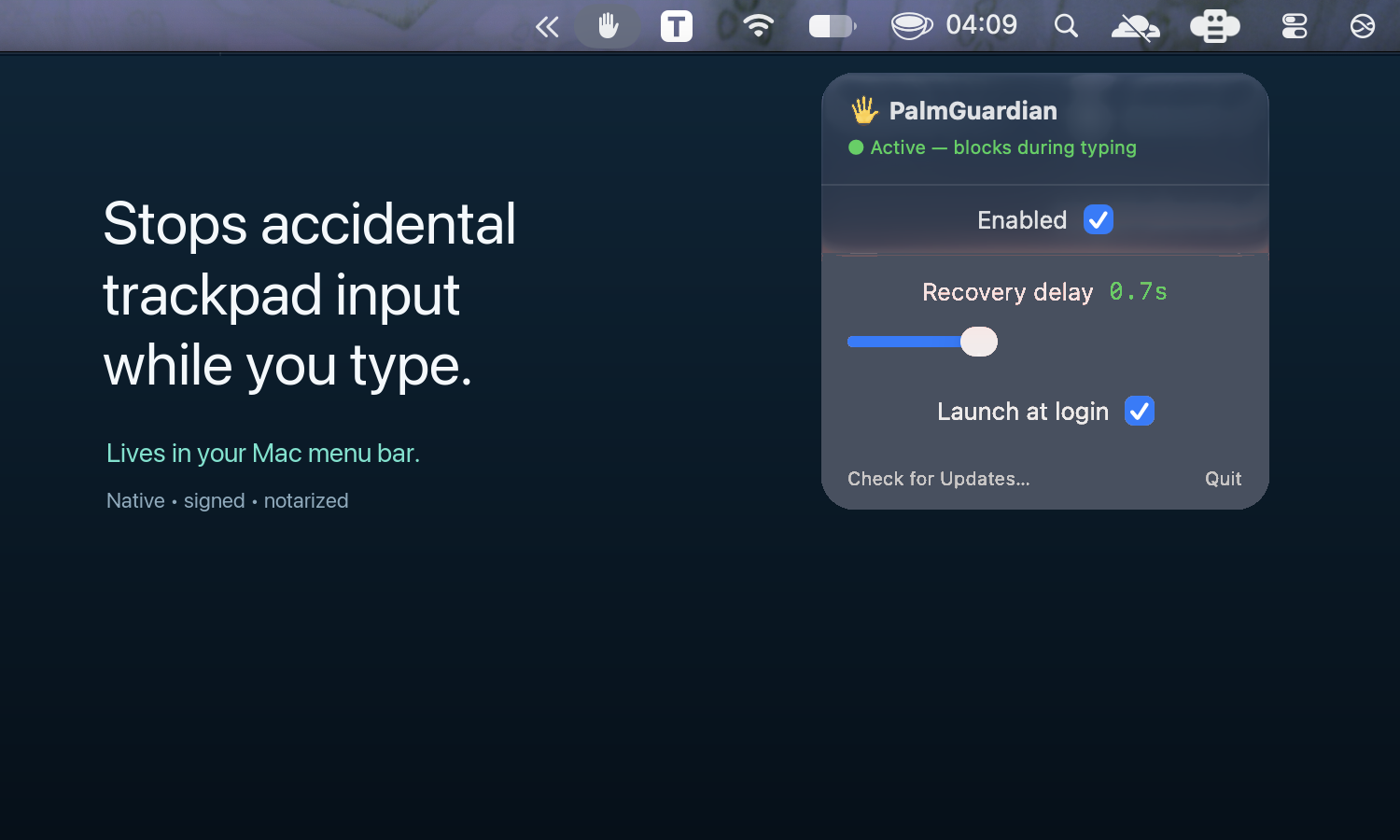
PalmGuardian was built for Mac users whose palm or thumb brushes the trackpad while they type, moving the insertion point, selecting text, or triggering an unwanted click. The small native menu bar utility detects that keyboard activity occurred and temporarily suppresses pointer events. It does not retain key values or build a typing history. Users can adjust the recovery delay, pause protection instantly, and choose whether the app launches at login.
Screenshots and demo
Show the problem, then the fix.
These original assets may be used in editorial coverage of PalmGuardian with attribution to ThreeSided Studios.
12-second demonstration
PalmGuardian in one short pass.
1920 × 1080, H.264, 30 fps. Suitable for editorial embeds and social previews.
Download MP4Brand assets
Icon, social card, and fact sheet.
Editorial review
Need to test it?
A signed and notarized seven-day review edition is available for editorial evaluation. It uses a separate review bundle and leaves the paid customer release protected.